Copy Any Component into Figma
Select any element on any website and paste it into Figma as editable vectors. Build design systems from real-world UI in seconds.
Recreating a webpage in Figma by hand means eyedropping colors, eyeballing spacing, and retyping copy — slow, and never quite exact.
Pluck pastes the real thing. Select any element on any site and Pluck converts it into editable Figma layers with precise text, backgrounds, borders, and images intact — not a flat screenshot. Build or extend a design system from production UI in seconds.
How it works
Three steps. No setup, no config. Just point, click, and paste.
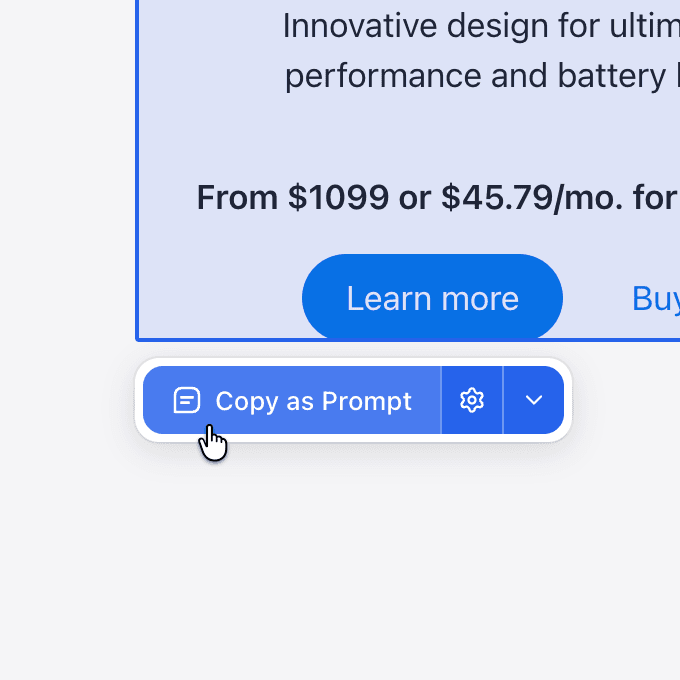
Select any component
Click any element on any website. Pluck highlights it and captures the full structure — HTML, styles, layout, and assets.
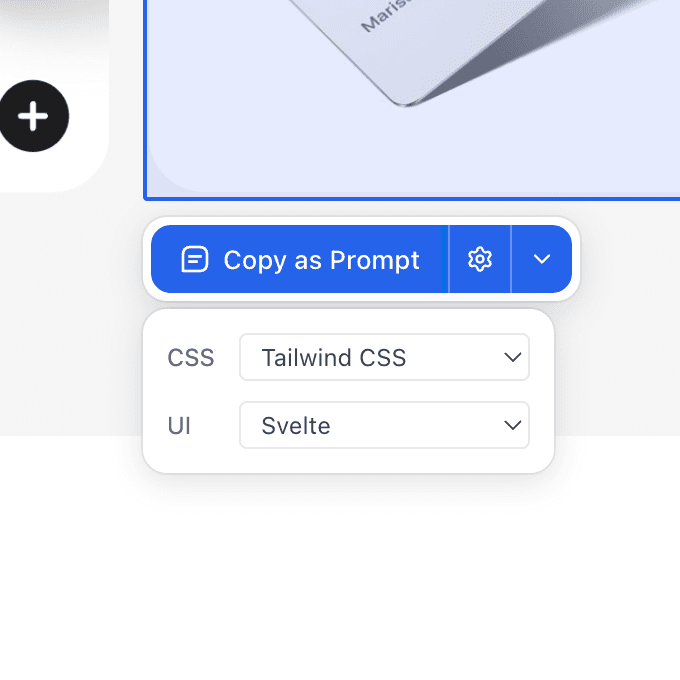
Target your stack
Choose your CSS and UI frameworks. Pluck tailors the output to match your project — Tailwind, React, Svelte, Vue, and more.
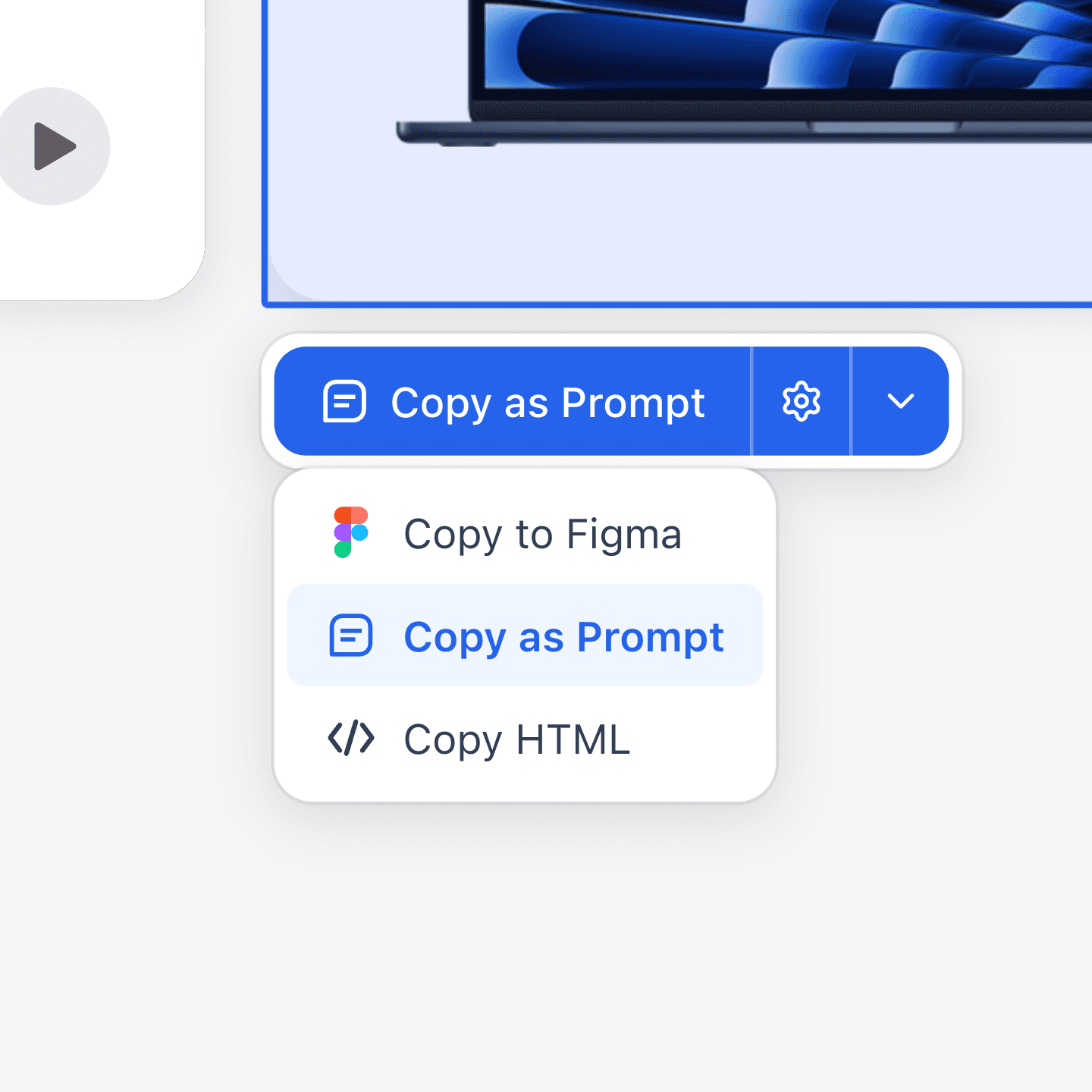
Copy and paste
Copy as a structured prompt for any AI tool, paste into Figma as editable vectors, or grab the raw HTML.
Website to Figma in Seconds
Pluck captures web components as editable Figma vectors — complete with layers, styles, and structure — ready for your design workflow.
Pricing
Start free. Credits power hosted image generation; local Codex is always free.
$0/mo
Free forever
- 20 prompt plucks per month
- 3 Figma plucks per month
- Studio boards and library
- Free generation with your own Codex
$100/yr
2 months free
- 1,000 credits every month
- Unlimited plucks
- Hosted generation, every model
- Credit top-ups
$290/yr
2 months free
- 3,500 credits every month
- Unlimited plucks
- Priority generation queue
- Credit top-ups
Securely processed by Polar
$790/yr
2 months free
- 10,000 credits every month
- Unlimited plucks
- Priority generation queue
- Largest upload limits
Related guides
FAQs
Got questions? We've got answers.