Copy Any Component into Figma
Select any element on any website and paste it into Figma as editable vectors. Build design systems from real-world UI in seconds.
How it works
Three steps. No setup, no config. Just point, click, and paste.
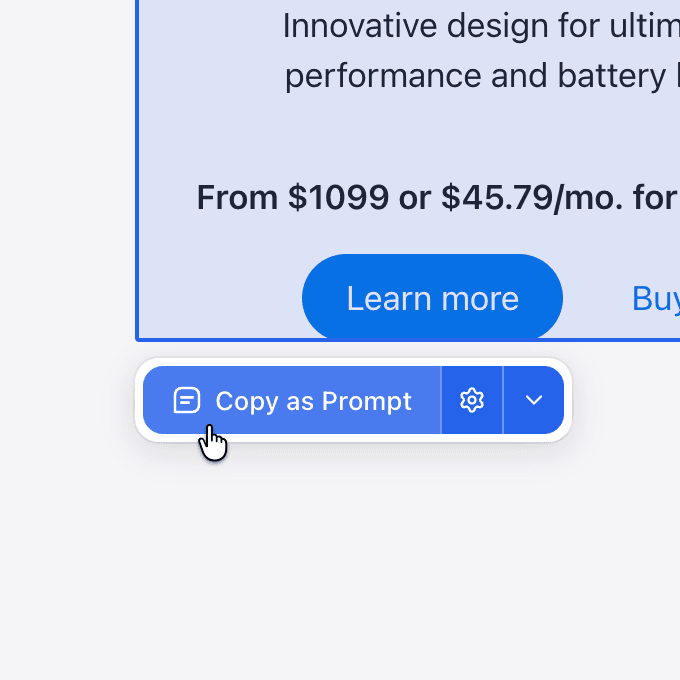
Select any component
Click any element on any website. Pluck highlights it and captures the full structure — HTML, styles, layout, and assets.
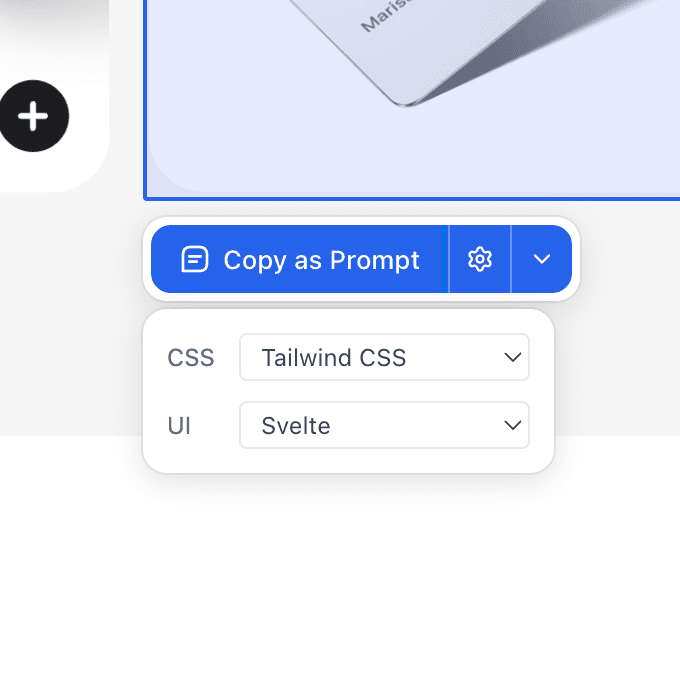
Target your stack
Choose your CSS and UI frameworks. Pluck tailors the output to match your project — Tailwind, React, Svelte, Vue, and more.
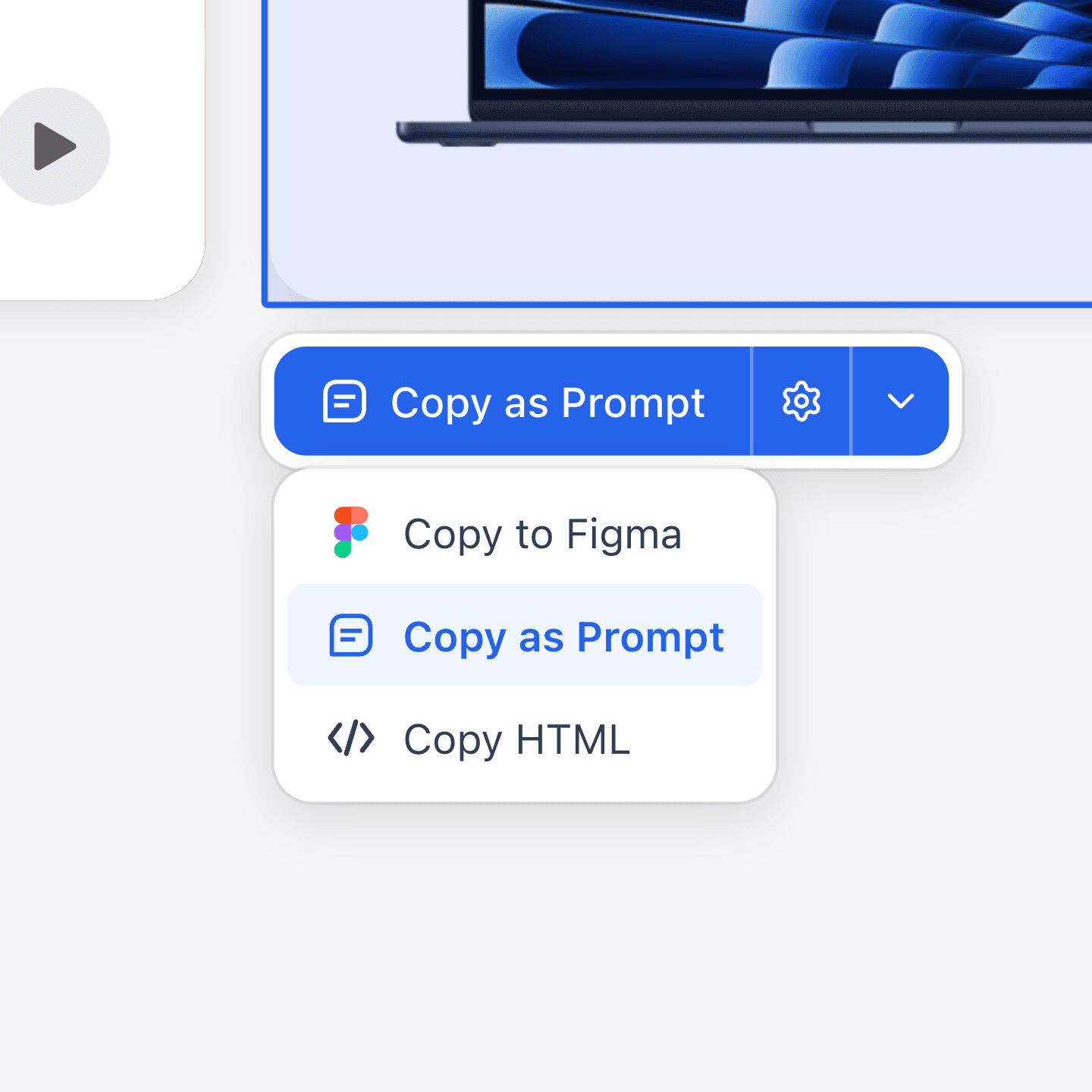
Copy and paste
Copy as a structured prompt for any AI tool, paste into Figma as editable vectors, or grab the raw HTML.
Website to Figma in Seconds
Pluck captures web components as editable Figma vectors — complete with layers, styles, and structure — ready for your design workflow.
Pricing
Start free. Upgrade when you're ready.
$0/mo
- 50 plucks per month
- Copy as LLM Prompt
- Community support
$10/mo
- Unlimited plucks
- All copy modes (Prompt, Figma, and more)
- Priority support
Securely processed by Polar
FAQs
Got questions? We've got answers.